Product Updates Easier client workflow: send projects with custom fonts right off Recipients no longer need to upload the custom fonts manually.
Product Updates Customize your websites: embed Readymag projects using iframe Customize a specific section of an existing website with little-to-no help from developers: embed a сommercial editorial in the infrastructure of a digital media, publish a business report in a corporate portal, add a use case or an online merch shop to the website of a design studio, and even more.
Product Updates Independent viewer settings for mobile and desktop In your Viewer settings you can toggle navigation arrows, page counts, a page menu and progressive images.
Product Updates Desktop Keyhole From now on there is it a window to check out the desktop version of your widget while designing mobile.
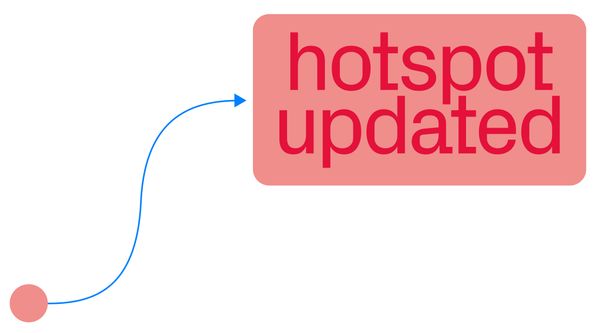
Product Updates Flexible Hotspot Now you can place the Hotspot's Tip independently of the Pin and add interactive elements wherever you want them to pop up.
Product Updates Workflow tweaks, interactivity, new tools and effects. R/m updates in 2021 Readymag updates of 2021 in an illustrated round-up.
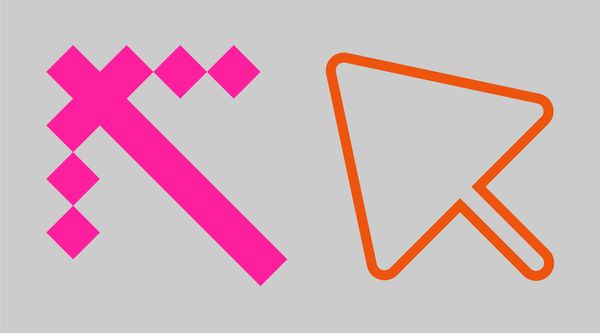
Product Updates Custom cursors: now, for each widget and without coding Check two options for custom cursors and learn how to add the feature straight from the interface.
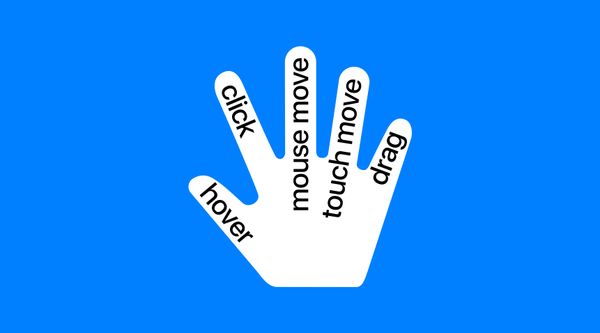
Product Updates New interactive mode, new ways to activate Shots Make your content draggable and launch Shots on mouse move, touch move, hover, click and scroll.
Product Updates Lightbox slideshows, premade Shots sequences Create on-scroll animations, from a video or several static images, in several clicks and view all pictures on a page in a single slideshow.
Product Updates Select, resize, snap—handier than ever Every designer performs hundreds of microtasks while working on a Readymag project. To make your experience smoother, we’ve revamped several essential features in our editor.
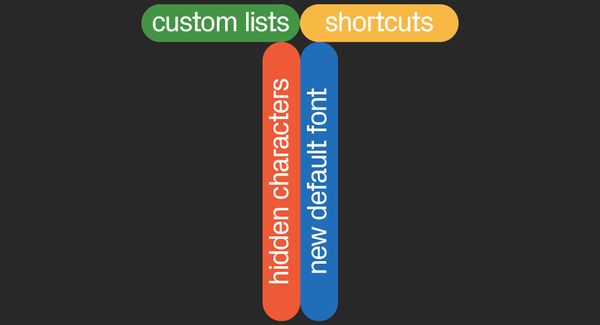
Product Updates More text-related updates: shortcuts, hidden characters, new default font and custom lists We’re unveiling a bunch of small, but helpful updates to our Text widget. Let’s get to it!
Product Updates Add shadows to widgets in a flash Now you can add a shadow to widgets, alter its direction, color and blur quality, or animate it in 3 ways.